
7 — Settings & Account
All account settings live at the bottom of your Profile (see §2.4). There is also a notifications center and in‑app help.
7.1 Notifications center
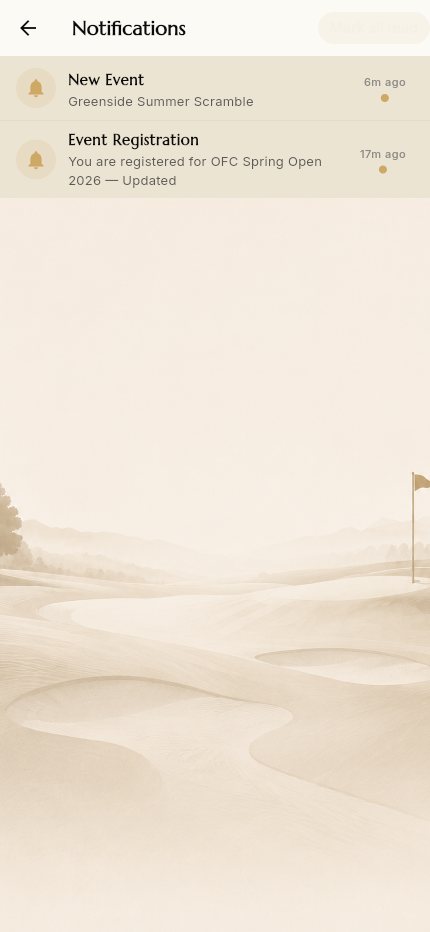
The bell in the top bar opens your notifications. Entries are generated by real activity — e.g. "New Event: Greenside Summer Scramble" when an event is published, or "Event Registration: You are registered for …" when you sign up. Mark all read clears the unread state.
Notifications appear in-app and by email.
7.2 Notification preferences
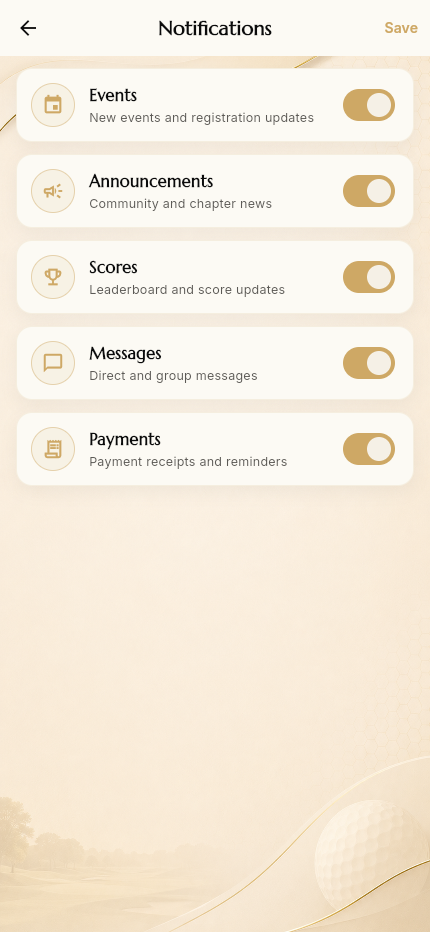
Profile → Notifications lets you choose which categories you receive: Events, Announcements, Scores, Messages, Payments. Tap Save.
7.3 Privacy
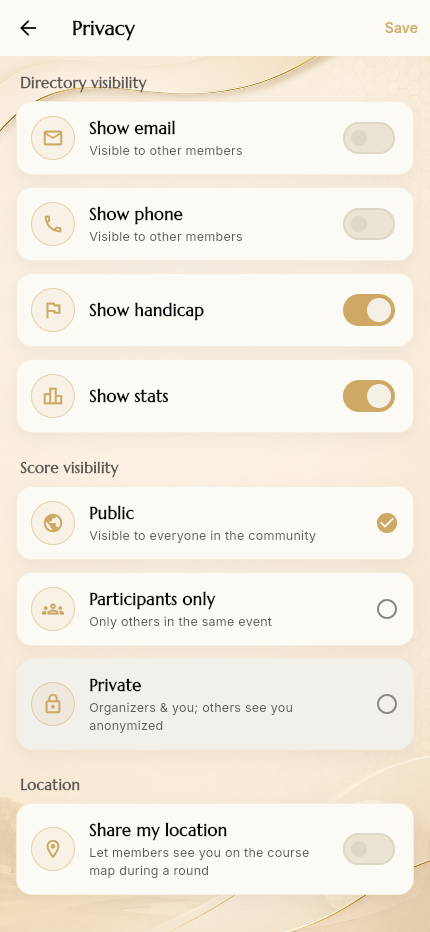
Profile → Privacy controls what others can see:
- Directory visibility — show/hide your email, phone, handicap, stats in
the member directory
- Score visibility — Public (everyone in the community), Participants only (others in the same event), or Private (organizers & you; others see you anonymized)
- Location — Share my location lets members see you on the course map
during a round (used by the event Share‑Location groups)
7.4 Language & region
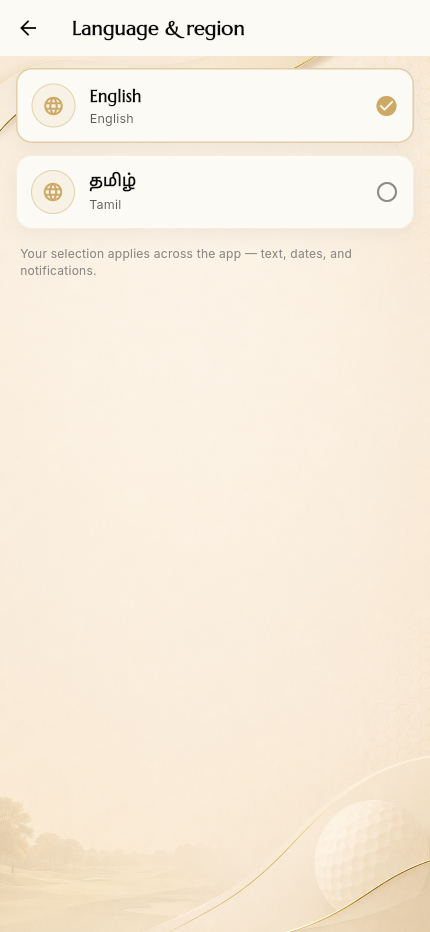
Profile → Language & region switches the app language. English and தமிழ் (Tamil) are available; the selection applies across text, dates, and notifications.
7.5 Two‑factor authentication
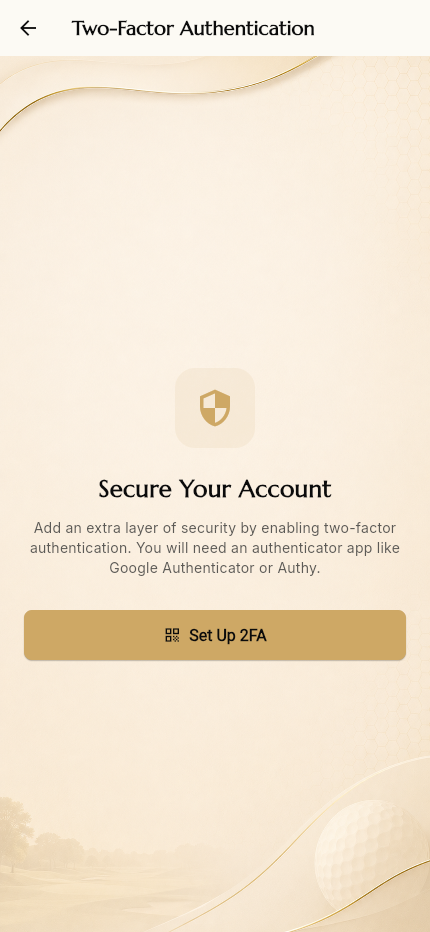
Profile → Two‑factor authentication adds a second login factor using an authenticator app (Google Authenticator, Authy, …). Tap Set Up 2FA to begin.
7.6 Change password
Profile → Change password lets you set a new password (current + new + confirm). Passwords are stored hashed with bcrypt.
7.7 Payment History
Reached from the in‑community drawer. Lists your event payments (what you've been charged and what's been marked paid), reflecting the manual reconciliation model.
7.8 In‑app Help & Support
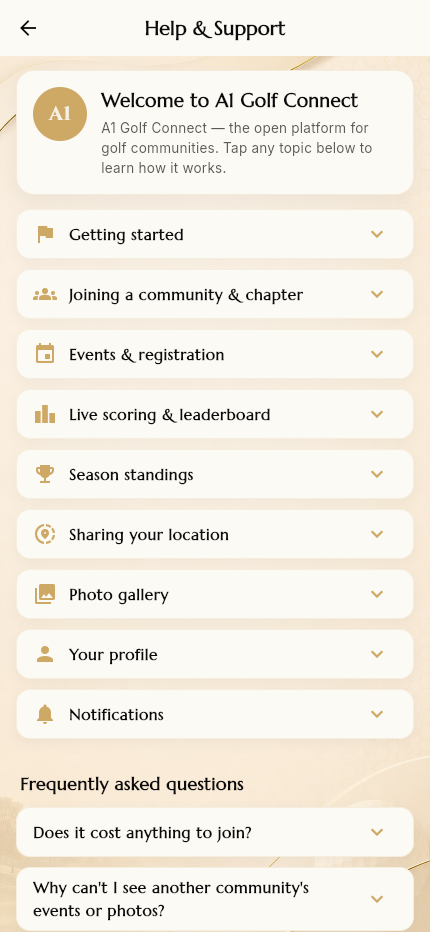
Profile → Help & support is the app's built‑in help: expandable topic guides (Getting started, Joining a community, Events & registration, Live scoring, Season standings, Sharing your location, Photo gallery, Your profile, Notifications) plus a Frequently asked questions section.
7.9 Sign out
Profile → Sign out (or Logout in the drawer) ends your server‑side session.