
4 — Inside a Community
When you enter a community, the app switches into the community shell — a 4‑tab experience scoped to that community: Home · Events · Community · Profile. (Events get their own section — see 5 — Events & Scoring.)
4.1 Community Home
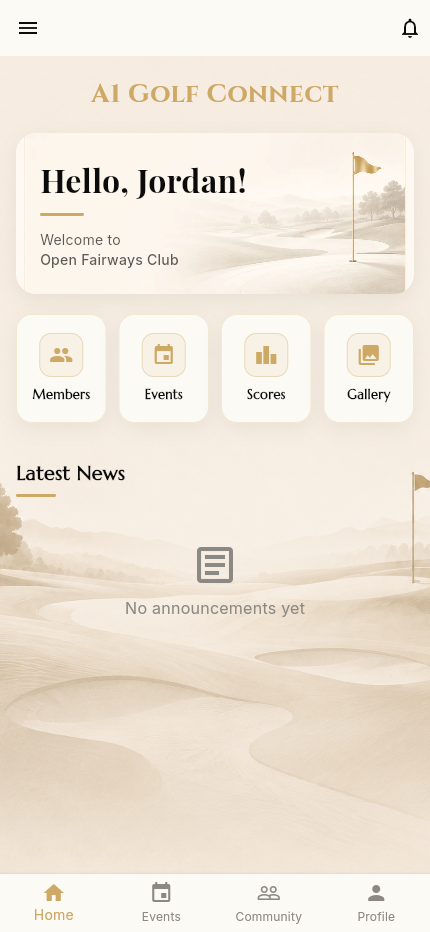
The landing screen inside a community:
- A welcome banner ("Hello, Ben! Welcome to Open Fairways Club")
- Four quick actions: Members · Events · Scores · Gallery
- Latest News feed (here: "No announcements yet")
4.2 The community drawer
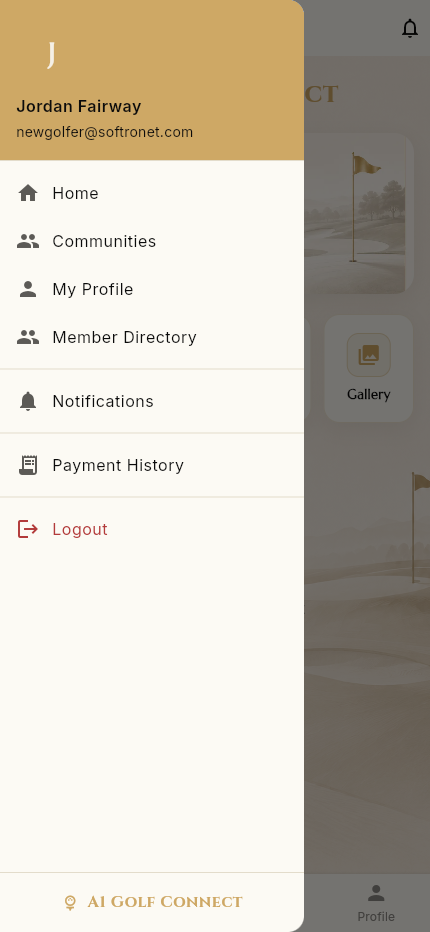
The hamburger menu inside a community offers:
- Home, Communities, My Profile
- Member Directory
- Notifications
- Payment History
- Logout
4.3 Members / Member Directory
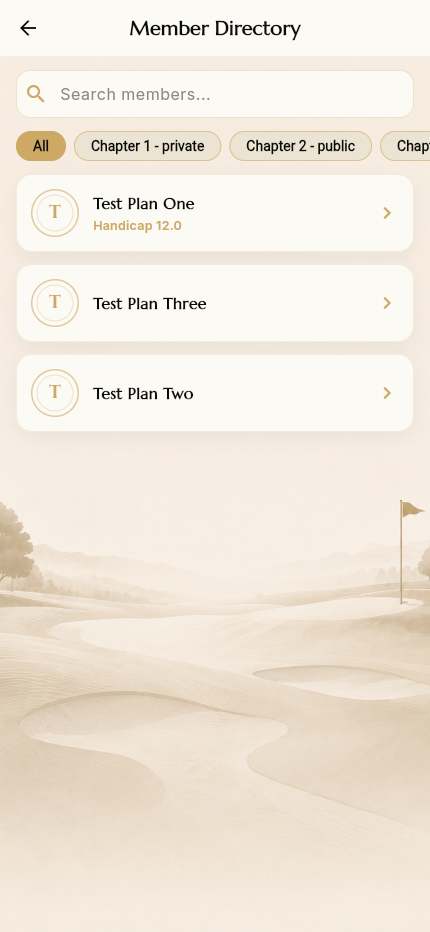
The Members quick action opens the Member Directory — every member of the community, with:
- A search box
- Filter chips (by chapter, for multi‑chapter communities)
- Member cards showing name, avatar, and handicap
Tap a member to view their profile.
4.4 The Community tab — feature hub
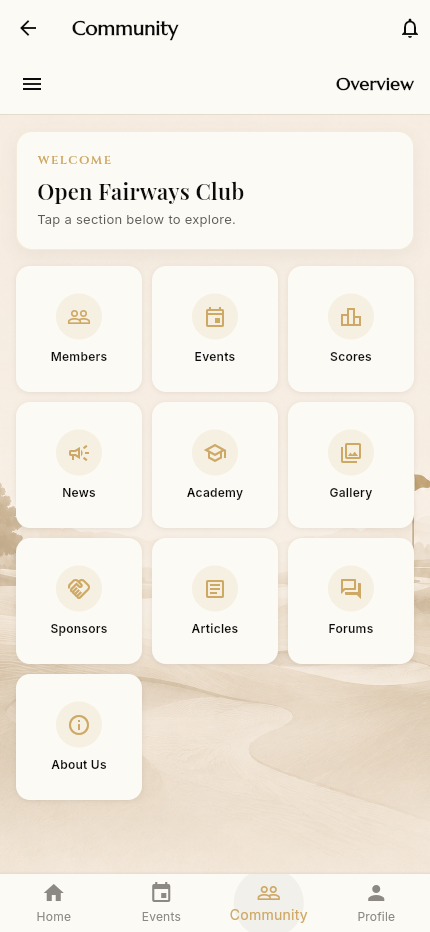
The Community bottom tab is the full feature hub. Its Overview shows a grid of every section:
Members · Events · Scores · News · Academy · Gallery · Sponsors · Articles · Forums · About Us
A "Jump to" menu (top of the tab) lets you switch directly between sections without returning to the grid:
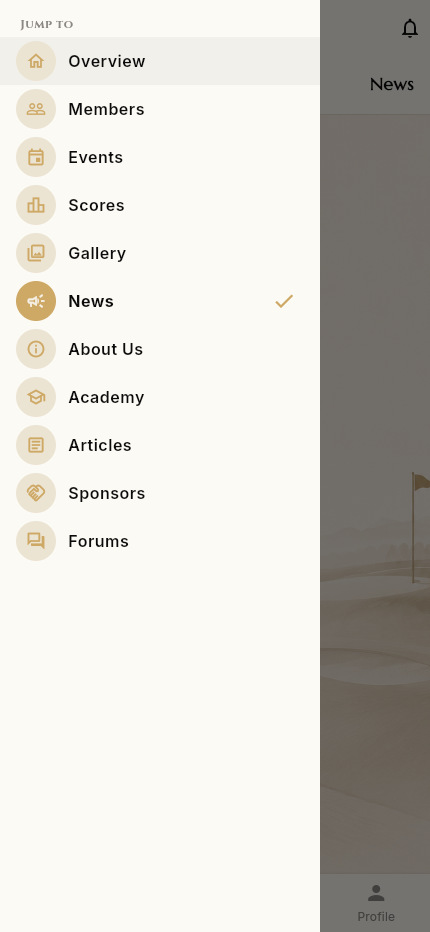
The sections:
News
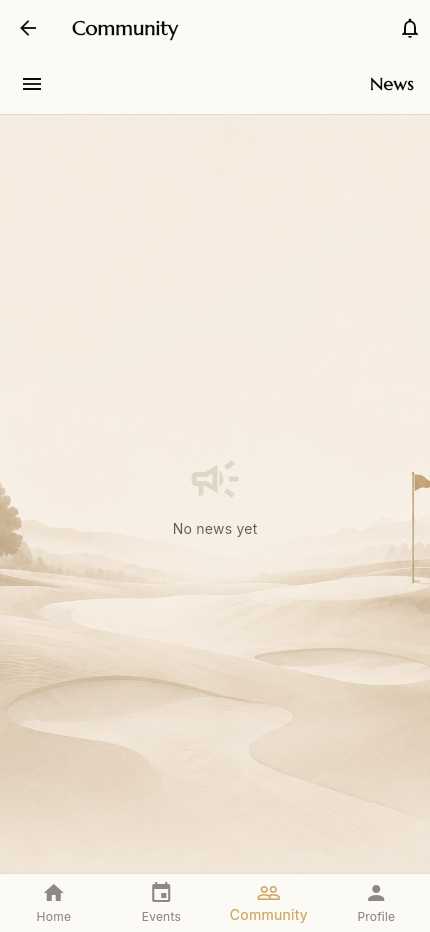
Community announcements feed. Empty here ("No news yet"); admins post announcements that then appear under Latest News on the home screen.
Academy
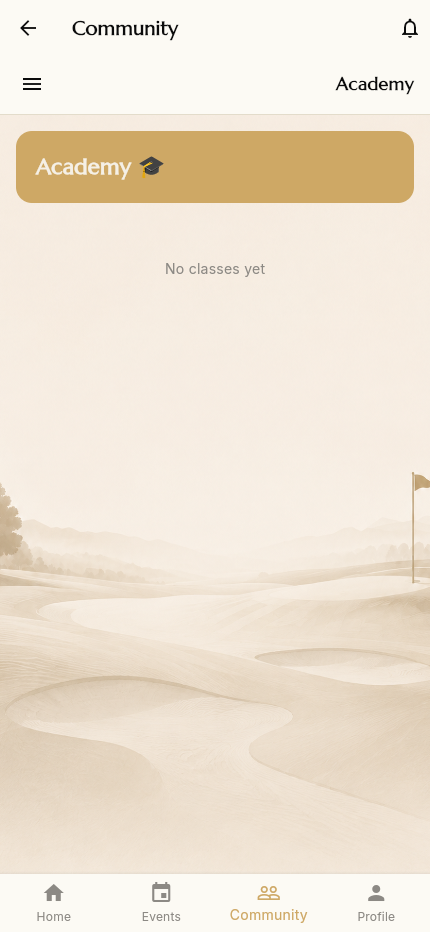
Coaching/classes area for the community ("No classes yet" until an admin adds classes).
Gallery
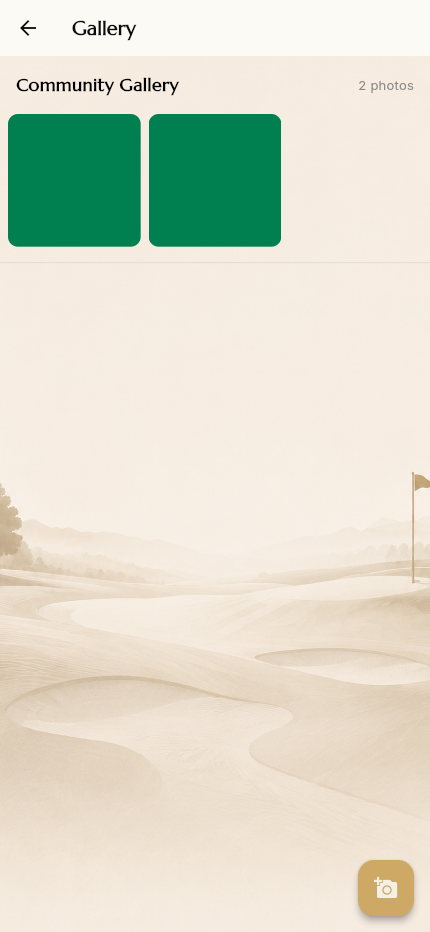
Shared community photo album (the Gallery quick action opens the same view). A camera + button lets members contribute photos.
Sponsors
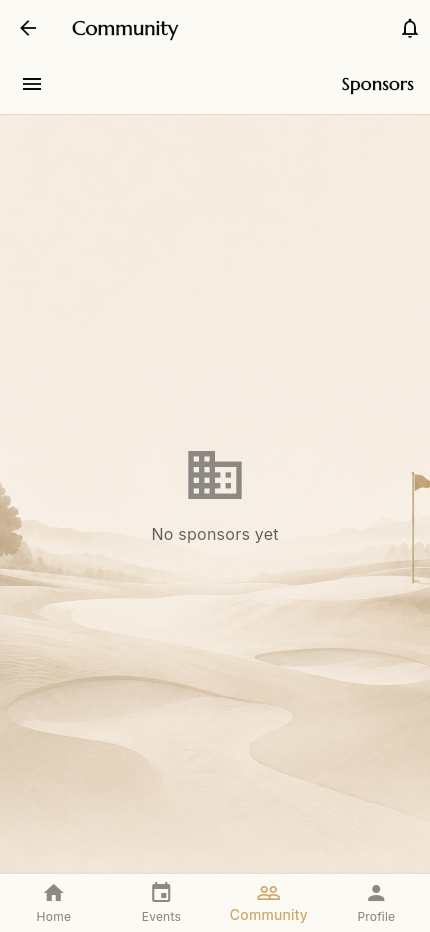
Community/event sponsors with logos and links ("No sponsors yet" here).
About Us
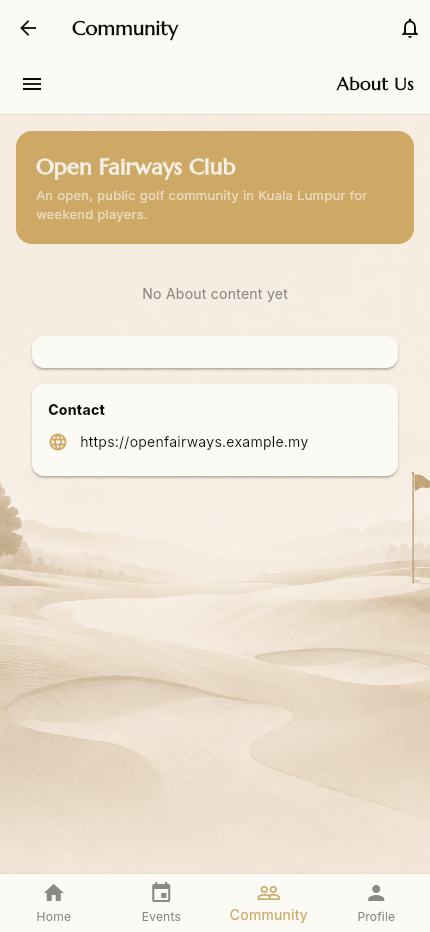
The community's description, longer About content (mission / vision / story), and a Contact link. Admins fill this in via Community Settings.
Scores
The Scores section / quick action opens Season Standings — covered in 5 — Events & Scoring.
Articles & Forums
Long‑form Articles and discussion Forums for the community. When content exists, they list the posts and threads you can open and read.
→ Next: Events & Scoring